
Objective: Learn how your end users can end her subscription.
Note: Your end user must have a WordPress account and they must be signed into that account prior to making the purchase on your website or it will not be displayed to them though it will display in the admins view. Just as with any online shopping experience.
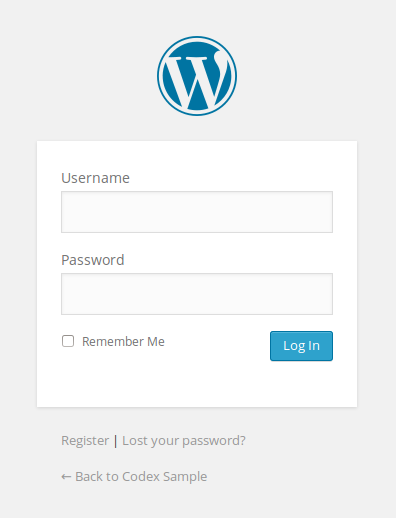
Step 1 The end user must sign into her account.
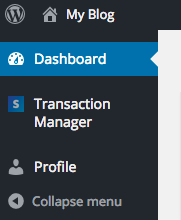
Step 2 Click the “Transaction Manager” link in the menu.
Step 2 Identify the transaction (“Recurring type”) that has the subscriptions that you want to end.
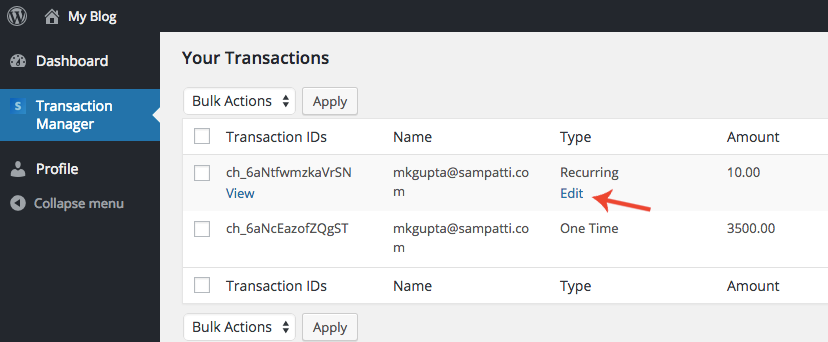
Step 3 Roll your mouse over the transaction on that row and you should see the “Edit” button beneath “Recurring”. Click it.
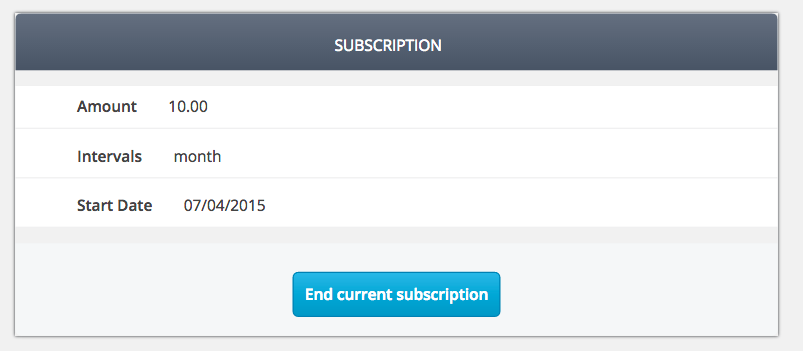
Step 4 The transaction and minor details should be displayed. Click the “End Transaction” button.
Note: You may be prompted to make sure you want to take this action via a popup. Click “Ok” if you are sure.
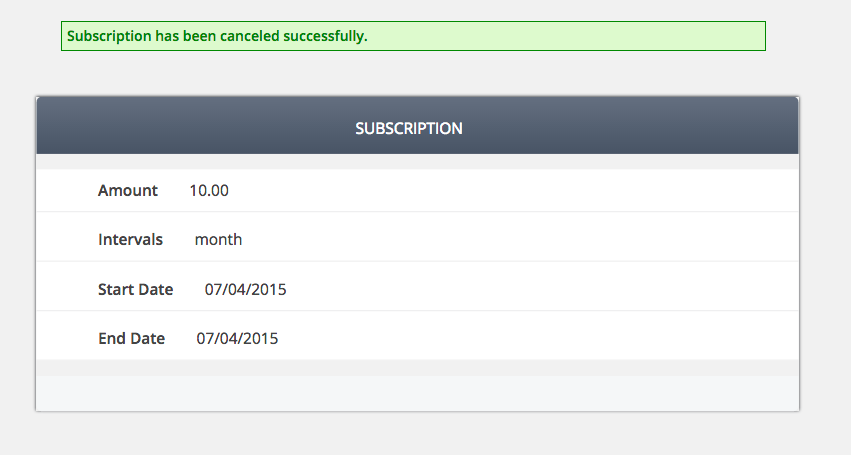
Step 5 The subscription should be ended in your Stripe account for that specific end user.
Final Step Your task should now be complete. If not review the steps and try again.