Objective: Learn how to end a customers subscription as the admin.
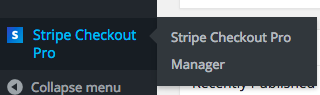
Step 1 Click the “Manager” link beneath the “Stripe Checkout” menu option.
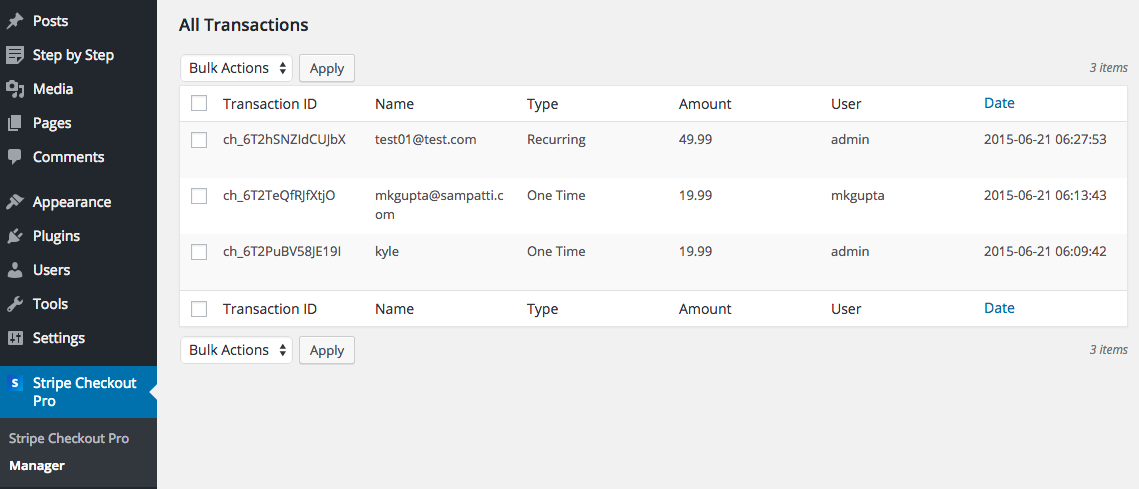
Step 2 Identify the transaction (“Recurring type”) that has the subscriptions that you want to end.
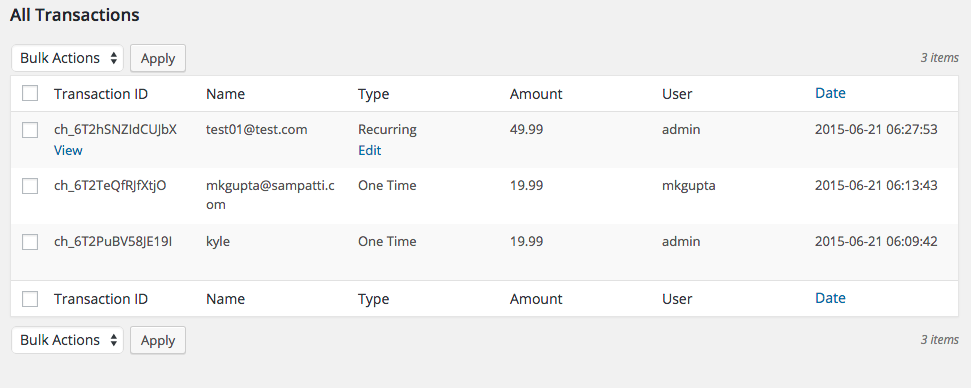
Step 3 Roll your mouse over the transaction on that row and you should see the “Edit” button beneath “Recurring”. Click it.
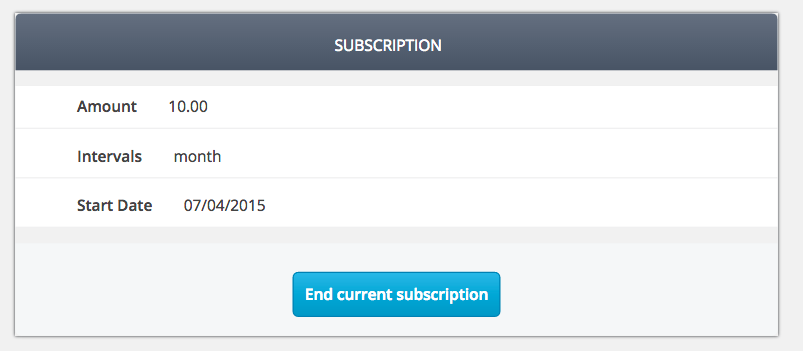
Step 4 The transaction and minor details should be displayed. Click the “End Transaction” button.
Note: You should be prompted to make sure you want to take this action via a popup. Click “Ok” if you are sure.
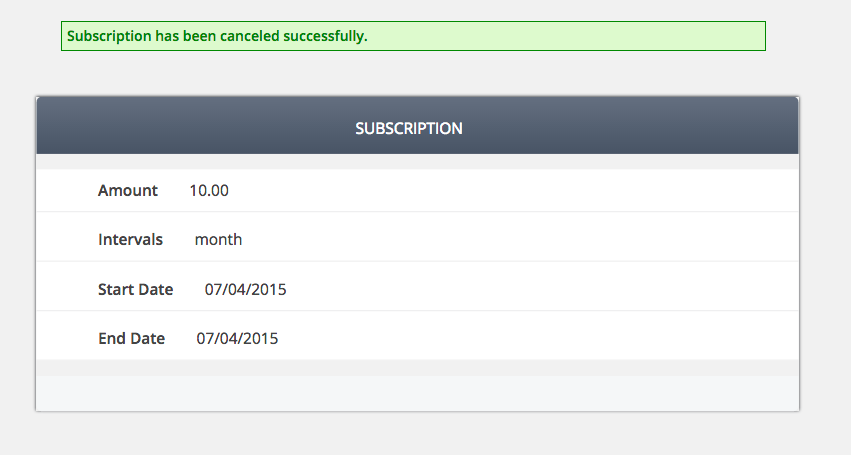
Step 5 The subscription should be ended in your Stripe account.
Final Step Your task should now be complete. If not review the steps and try again.